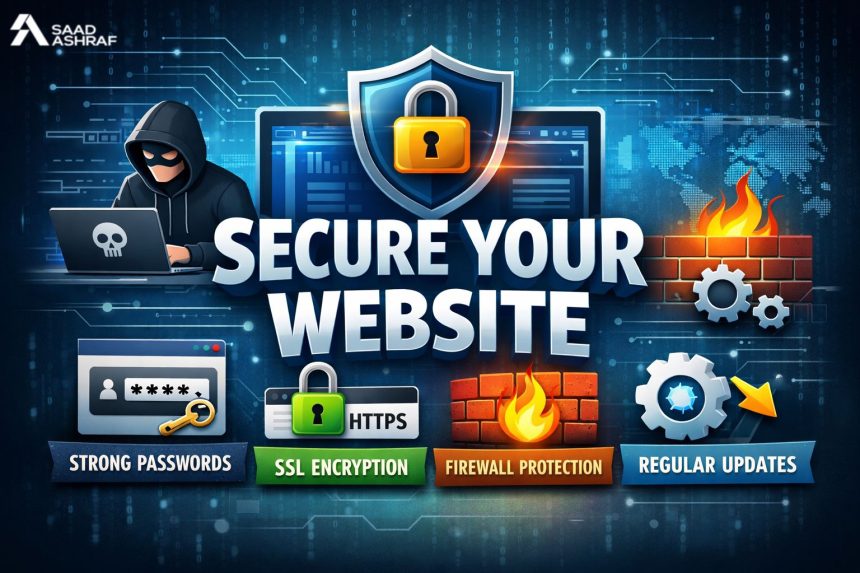
Every website is a potential target. No one is fully safe on the internet today. From small blogs to global brands, hackers attack them all. Security is not a bonus. It is the basic foundation of your website. In this blog, you will learn how to protect your website from hackers. These tips come from 11 years of experience in digital security. I have seen websites go down overnight due to small mistakes. Many site owners fix problems only after attacks. You should not wait for that. This guide will give you practical steps that anyone can follow. No complex coding required. Just smart actions taken early. Website protection is not hard when you follow the right methods. Let’s explore how to do it the right way.
Why Do Hackers Target Websites?
Hackers don’t just want money. They want data, traffic, and control. Even a small website can be used for illegal activities. They can insert viruses. They can redirect users. They can steal login details. In my experience, 60 percent of hacked sites are small or medium ones. They are easy targets. Their owners don’t expect attacks. That’s the mistake. Hackers scan the web constantly. They look for outdated systems and weak setups. Once they find a flaw, they exploit it.
Here’s what hackers often look for:
- Weak passwords
- Outdated plugins or software
- No SSL certificate
- Open ports or admin access
- Poor hosting
Websites built without proper care are the easiest to break into.
Always Keep Your Software Updated
This is the first rule in website safety. Always use the latest software version. Old plugins and themes are hacker favorites. They contain known bugs. I once helped fix a site infected through a two-year-old plugin. The owner didn’t update it. That one tool gave hackers total control. Your CMS, plugins, themes, and server software must always be current.
Here’s what to do:
- Enable auto-updates if possible
- Log in weekly to check manually
- Remove any plugin you don’t use
- Replace outdated tools with active ones
Update your software like you lock your house. Never delay it.
Use Strong Passwords and Enable Two-Factor Authentication
Most people still use easy passwords. Hackers try common words first. They use bots.
Your admin password should be strong and unique. Never reuse old ones. Also, turn on two-factor authentication (2FA). It adds a second lock. Even if someone guesses your password, they can’t enter without your phone code.
You can use tools like:
- Google Authenticator
- Authy
- Email or SMS-based 2FA
This method has helped many of my clients stop attacks completely. Make sure everyone with access to your site uses 2FA too.
Choose a Secure Hosting Provider
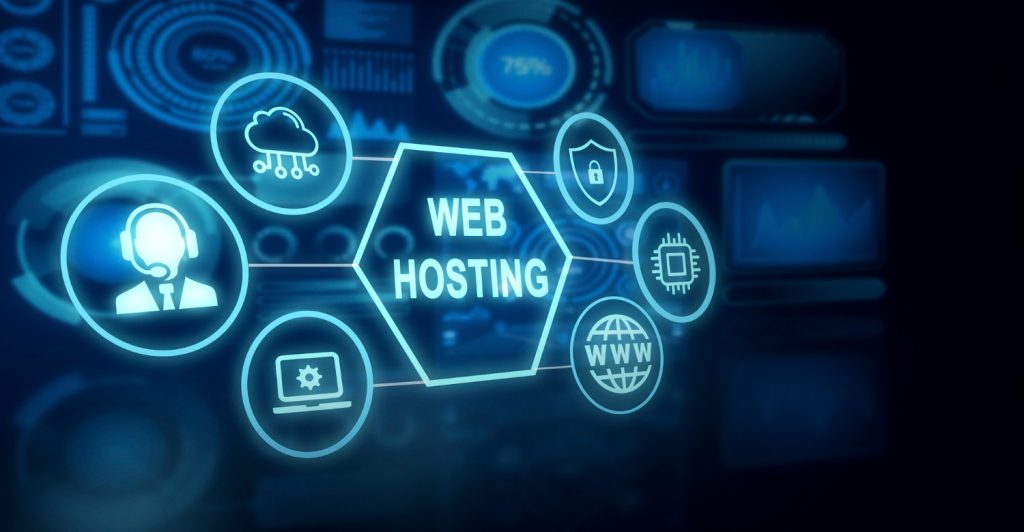
Your website is only as safe as your server. Weak hosting equals weak security. Some cheap hosts don’t offer basic protection. That is dangerous.
Good hosts provide:
- Firewalls
- Regular malware scanning
- Automatic backups
- Server monitoring
A few years ago, I worked with a Freelance Web Designer Dubai who faced regular downtime.
We moved the site to a secure server. Issues stopped within days. Never choose a host based on price alone. Ask about their security tools. Your hosting company is your first line of defense. Choose wisely.
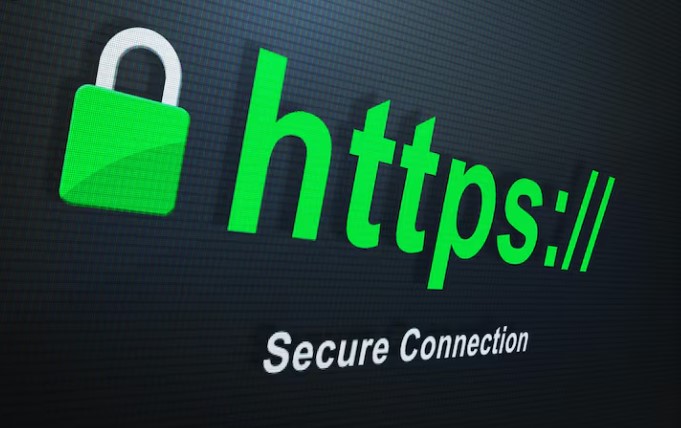
Install SSL and Switch to HTTPS
SSL stands for Secure Socket Layer. It protects data sent between your user and server.
Sites without SSL are marked “Not Secure” by browsers. That hurts trust and traffic.
SSL:
- Encrypts data
- Prevents spying
- Builds user trust
- Boosts SEO
Most hosts give free SSL now. You must install it right after launching. Also, redirect all traffic to HTTPS. Update internal links too. One of my clients saw a 40 percent traffic boost after switching to HTTPS. It is no longer optional. It is a must.
Set Up a Web Application Firewall (WAF)
A firewall works like a gatekeeper. It blocks dangerous requests before they hit your site. I always recommend WAF to new website owners. It filters bad traffic.
Tools like:
- Cloudflare
- Sucuri
- Wordfence
They monitor requests and reject known threats. One Web Designer Dubai I worked with used Cloudflare. Spam and bot traffic dropped instantly.
A firewall can protect you from:
- SQL injections
- Cross-site scripting
- Fake login attempts
It is easy to set up and works silently in the background.
Back Up Your Website Regularly
Even with the best protection, things can go wrong. That’s where backups come in. A backup can save you from total loss. It allows you to restore your site fast.
I recommend:
- Daily backups for active sites
- Weekly backups for small ones
- Store copies in the cloud
- Keep at least three versions
Many people forget to back up. Don’t make that mistake. I once helped a store owner restore their hacked site in minutes. The backup was ready. Without it, they would have lost two years of data.
Limit User Access and Permissions
Not everyone needs full access. Too many admins mean higher risk.
You should:
- Give roles based on tasks
- Remove old or inactive users
- Review access monthly
- Use strong passwords for each account
Hackers often enter through weak user accounts. Less access equals fewer risks. Control your backend like you control a bank vault. Only the right people should enter.
Enable Activity Monitoring and Alerts
Always keep an eye on what’s happening on your website. Set up tracking tools. Enable real-time alerts. Some great plugins for this are:
- Wordfence
- iThemes Security
These tools alert you when:
- Someone logs in
- Files are changed
- Plugins are added
With alerts, you can act fast before serious damage happens. I helped a client catch a hacker within minutes using Wordfence logs. That saved the site.
Scan Your Website for Malware
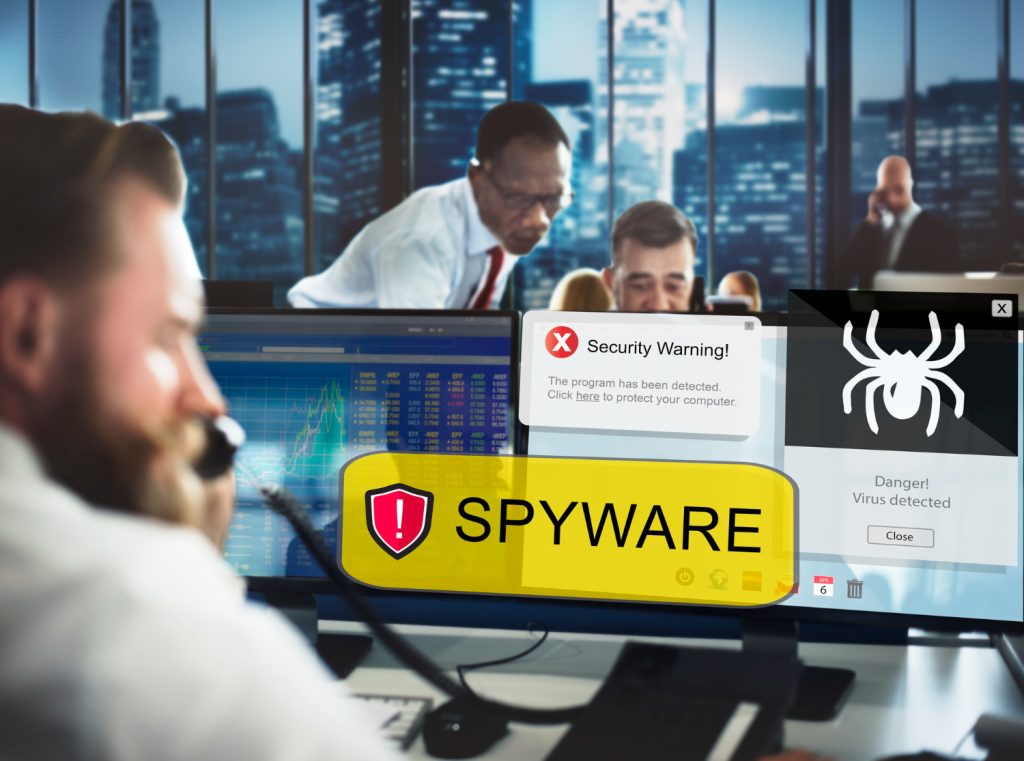
Malware can stay hidden. It can damage your site quietly. Scan your website weekly. Some tools let you schedule scans.
You can use:
- Sucuri SiteCheck
- Wordfence
- SiteLock
One client had malware redirecting visitors. We found it using Sucuri and cleaned it up fast.
Scanning should be part of your weekly tasks. Like brushing teeth—do it regularly.
Conclusion
Don’t wait for your website to be compromised to take action. The time to secure your online presence is now. Stay proactive, not reactive. And remember, security is not a one-time fix—it’s an ongoing process. The web evolves, and so do threats.
Don’t Wait to Get Hacked: Secure Your Website Now with Saad Ashraf’s Expertise
If you’re in Dubai or anywhere in the UAE and need expert help with website protection, cloud hosting, or secure architecture, Saad Ashraf is a name you should know. With nearly two decades of hands-on experience in cybersecurity and digital infrastructure, Saad has helped hundreds of businesses in the region build secure, scalable, and high-performing websites. Whether you’re a small business owner or running a complex enterprise platform, his local insight and global standards bring unmatched value.